


AI Work Item Insights Configuration
Back to Installation Steps
Overview
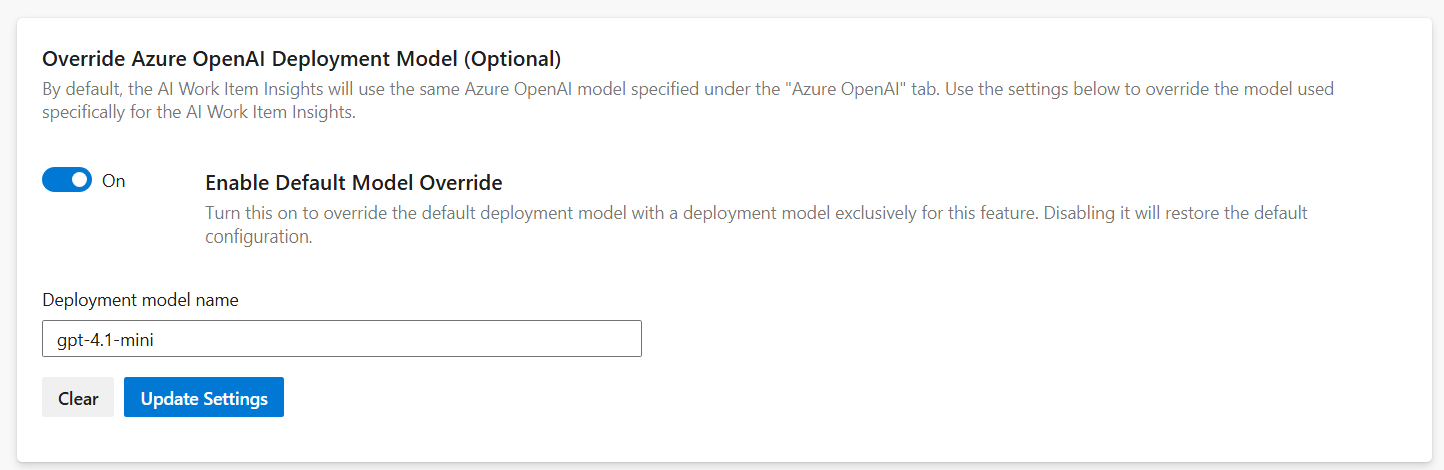
By default, the AI Work Item Insights feature uses the same Azure OpenAI model configured under the "Azure OpenAI" tab.
To customize the model specifically for AI Work Item Insights feature, use the settings provided below to override the default configuration.
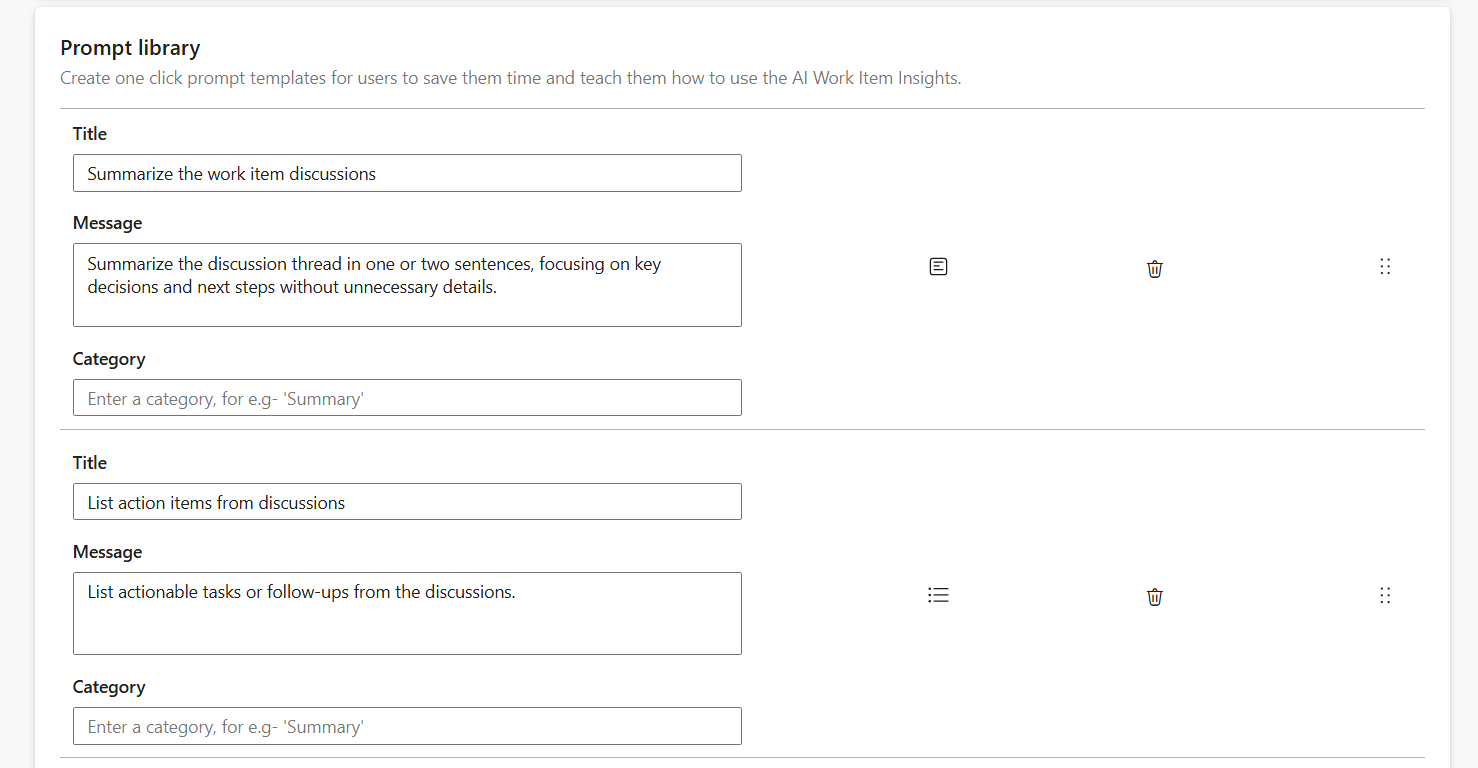
This guide offers step-by-step instructions for:
• Overriding the default model with a dedicated one for the AI Work Item Insights feature in the AI Work Item
Assistant extension.
• Setting up starter prompts to help you get started with this feature.
To continue, please return to the installation steps to ensure all configurations are correctly applied. Following the setup process carefully guarantees a smooth and successful installation experience.
Back to Installation Steps